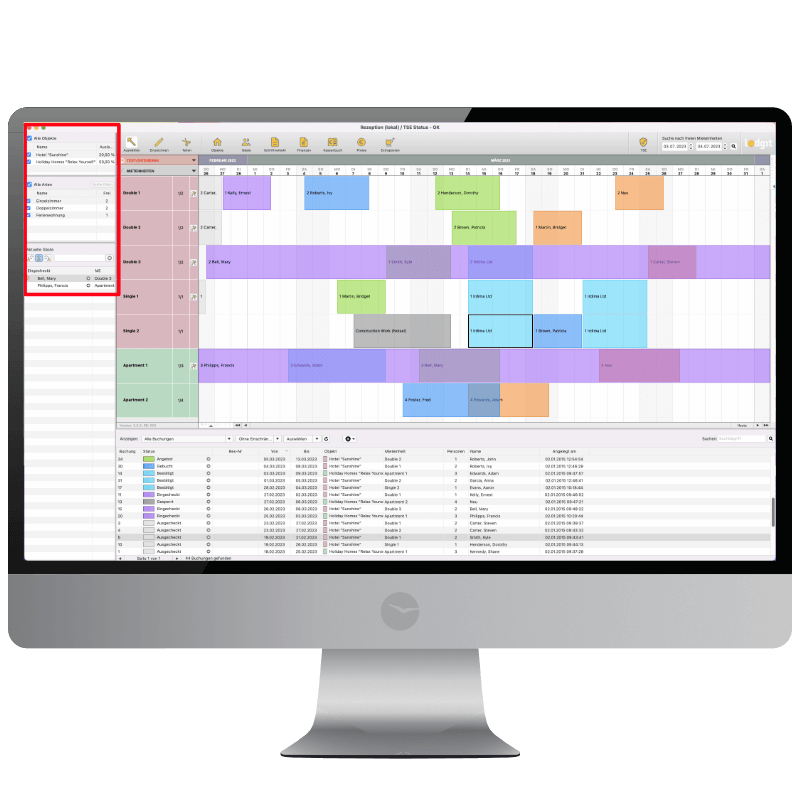
The easiest way to allocate accomodations
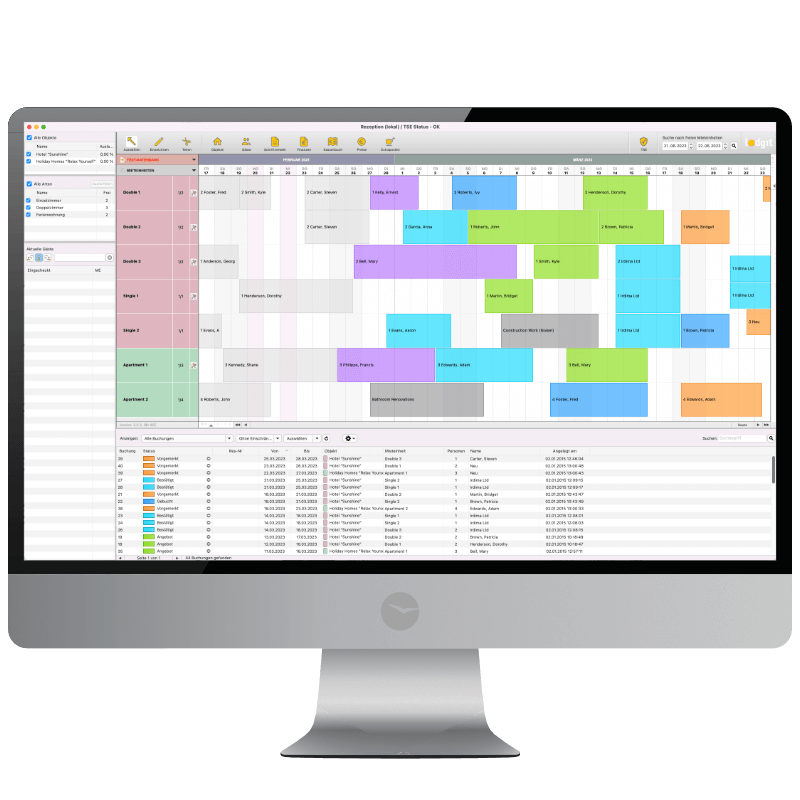
The smart graphical reservation schedule is at the core of the Lodgit Desk hotel software and offers direct access
to all bookings in all buildings, be they hotels, boarding houses, holiday homes,
holiday apartments, etc.
Important functions within
the graphical reservation schedule:
- Graphical overview of all units
and their occupancy
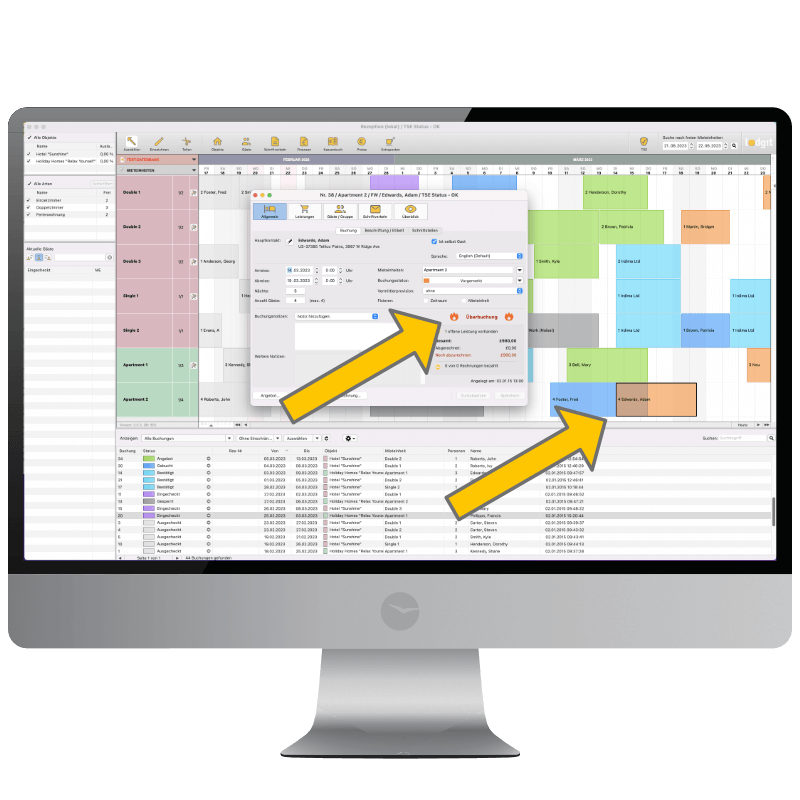
- Input of new bookings by direct entry into the reservation
schedule
- Simple adaptation of the
booking period by dragging or
stretching the booking from within the reservation schedule
- Quick date selection using
scrolling functions and keystroke combinations
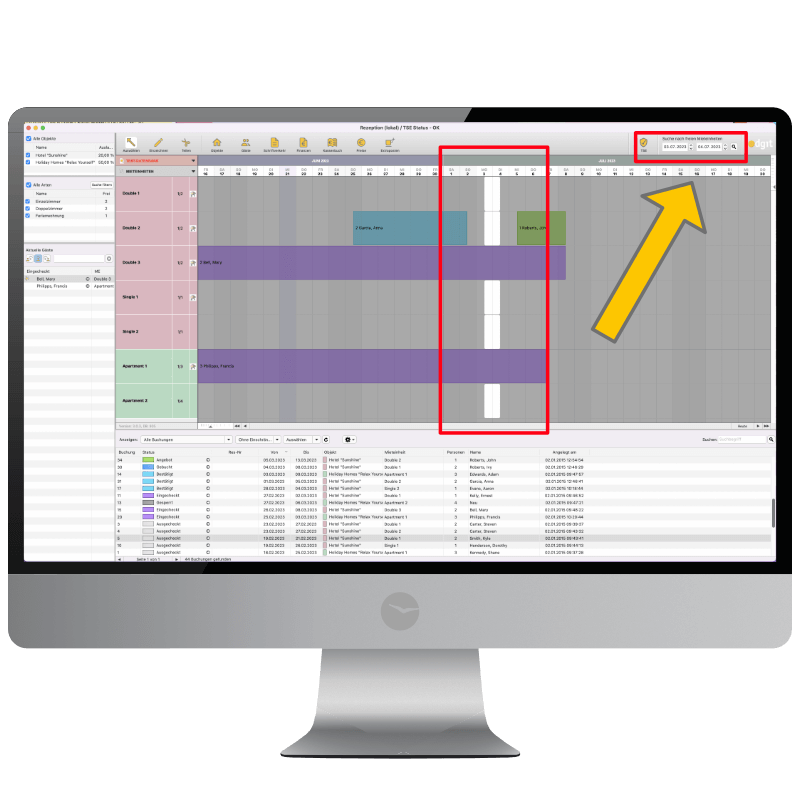
- Simple vacancy search within a specified time frame
(room availability check) with automatic assessment of vacancies according
to the individual categories
- Condensation of separate bookings
into a single group
booking, also providing for the subsequent enlargement of the
group if necessary
- Room change after a guest has checked in (split
booking)
- Status change of the booking directly in the
overview (confirmation, check in, check out, cleaning status, bookable
online)
- Creation of offers, confirmations and invoices
within the schedule area
- Variable zoom of the booking
sheet using a slider
- Colors for buildings, units and
booking status can be assigned individually
Control and filter
functions in the left sidebar:
- List of all
checked in guests (as well as guests arriving or leaving today) indicating regular guest status and existing guest notes, if any
- Temporarily fade out individual
buildings or types/categories from the overview, e.g. display only single
rooms
- Filter with which only the vacancies will be displayed
in the booking sheet after carrying out a room search.
- Display a room type or category’s
available capacity after performing a search query
- Quickview of object's occupancy rate for the selected time frame
Booking list for daily hotel management
The booking list below the reservation
schedule is of valuable help for daily hotel management: the filter function
allows for the swift execution of many important administrative tasks. The
booking list can be masked at will.
The most important functions are:
- Sorting the list by clicking on the column
headers
- Switching to the booking sheet view by
clicking on the arrow button in the booking’s status column
- Indication of booking notes, if any
- Narrowing down the list view by using the
search function, e.g. search for all bookings for a single guest
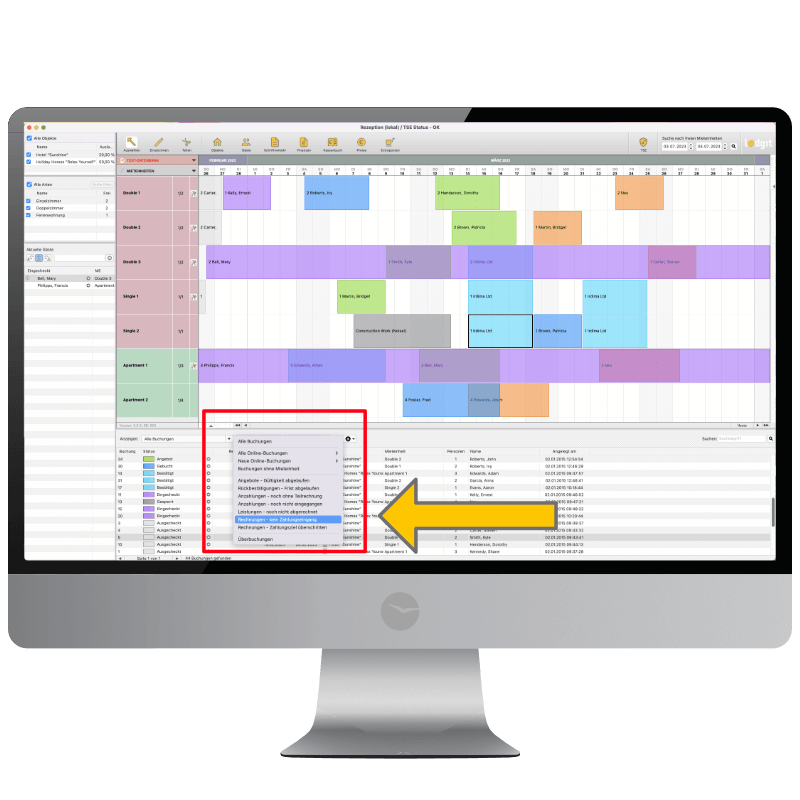
- The following filters are available for the booking
list view:
- All online bookings;
- Newly
received online bookings;
- Bookings
with expired offers;
- Bookings with expired return confirmations;
- Bookings with deposits for which no partial
invoice has been sent out;
- Bookings with deposits that have not yet been
received;
- Bookings with invoice items that have yet to
be charged;
- Bookings with invoices of which the due date has
passed.